macOS · Full-featured Trial + Free Limited Version + Pro · Files & System · Utilities · Productivity
ByEase File Tools
Everything you need for batch PDF work, and more.
How it works
Pick files from one or more folders. Choose a tool. A few clicks and you get exactly what you expected.
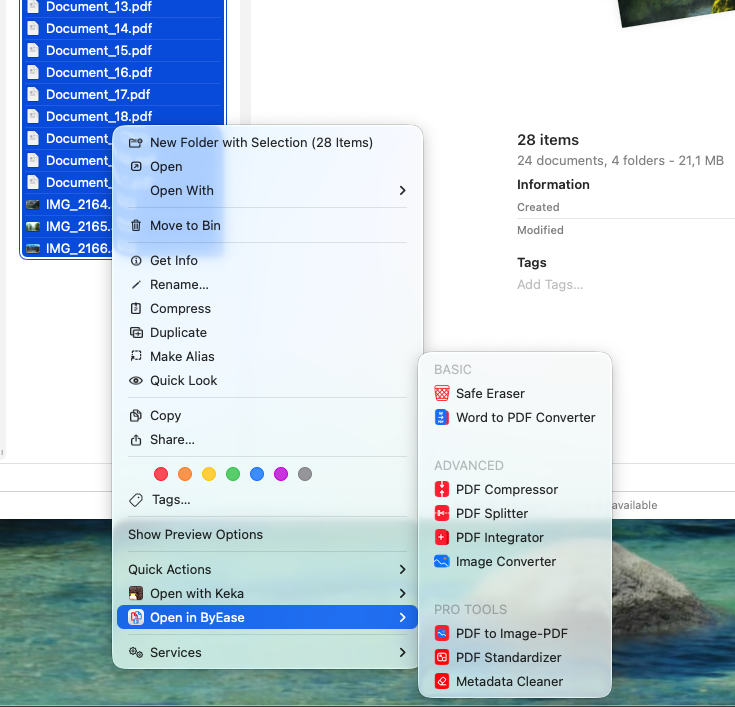
Finder Integration
Any tool launches straight from the right-click context menu — no need to open the main app window at all.
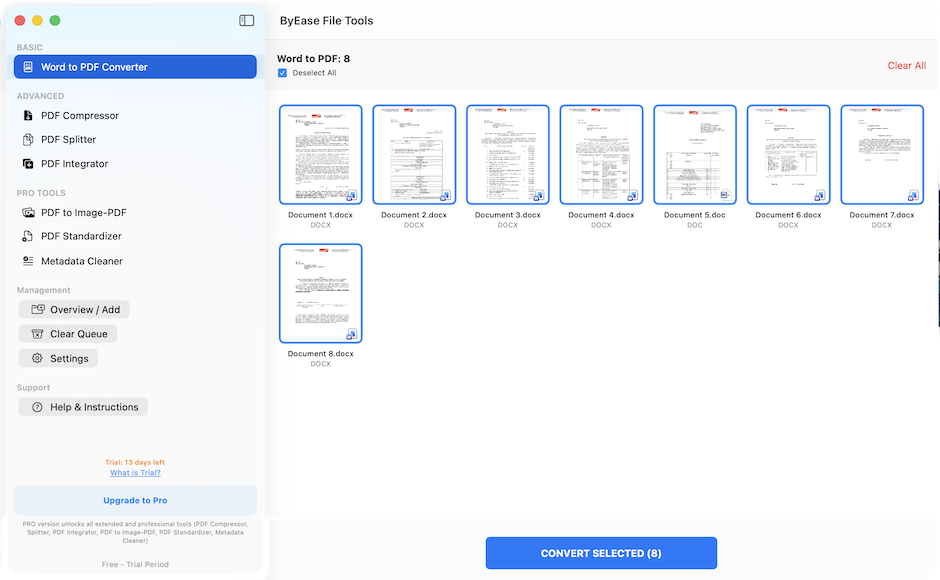
Batch Processing
10, 50, or 100 files — they're all processed at once.
Privacy
Everything runs 100% locally on your Mac. No clouds, no servers, no risk of your documents leaking anywhere.
Speed
Any task is solved in literally 3–4 clicks.
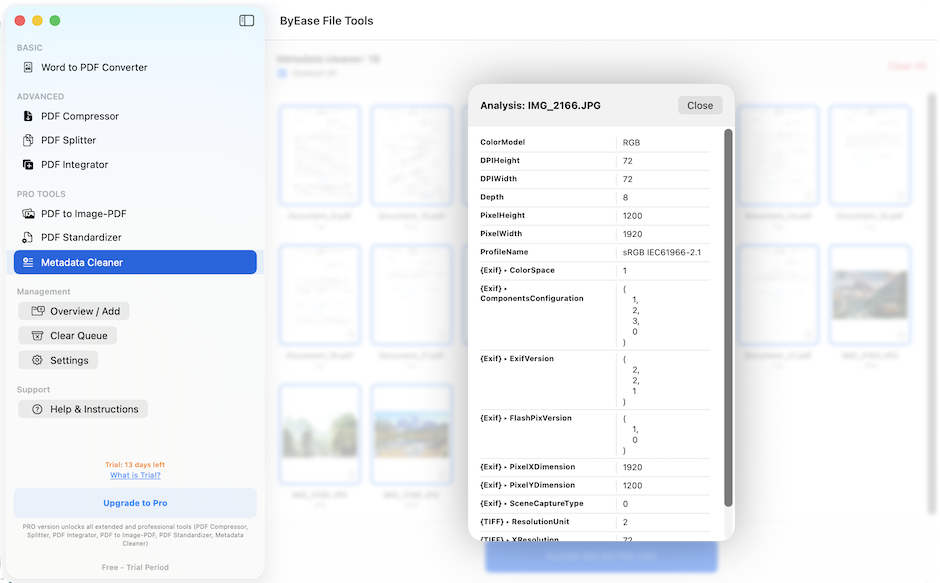
Everything you need in one app
- Secure Erase
Permanently wipe confidential data from your disk — unrecoverable even with specialized tools.
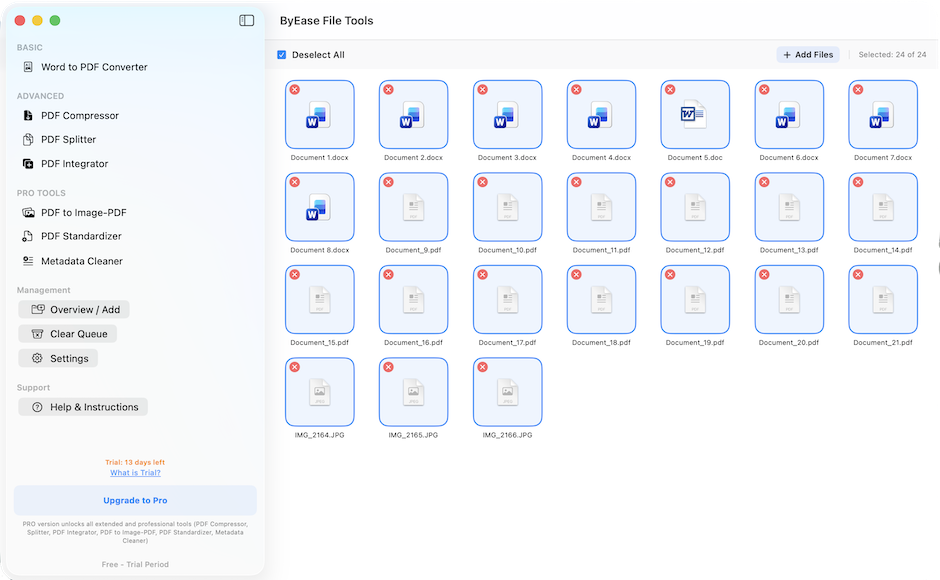
- Word to PDF
Batch-convert stacks of .doc and .docx files to high-quality PDFs.
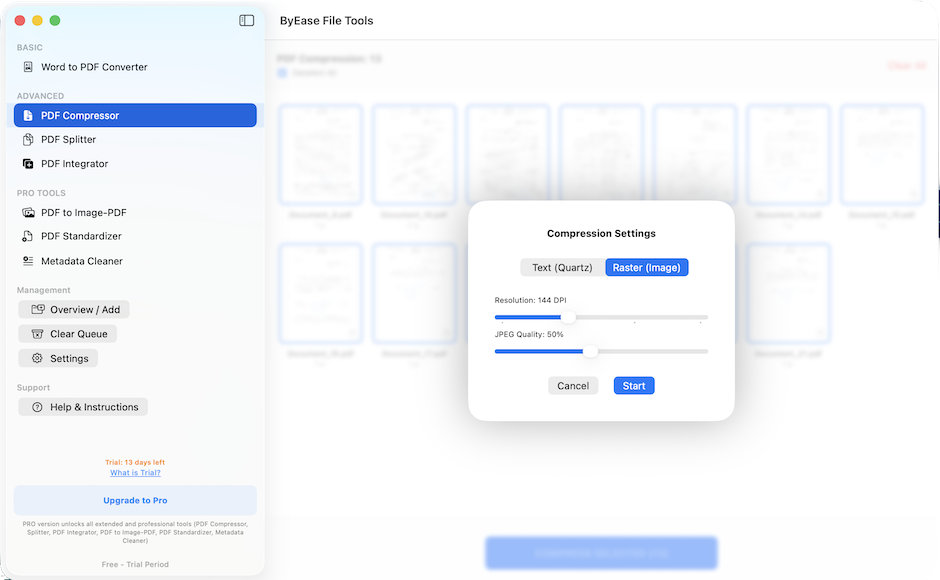
- Compressor
Shrink heavy PDFs (compression quality is adjustable).
- Splitter
Cut multi-page PDFs into individual sheets (as PDF, JPEG, or PNG).
- Merger
Combine different PDFs and images into a single document.
- Image Converter
Universal tool for JPEG, PNG, HEIC, TIFF and WebP.
- Copy Protection
Converts a text PDF to a raster (image) so the text can't be copied.
- Standardizer
Intelligently converts mixed-size document pages to a uniform format (A4, A3 or Letter).
- Metadata Wiper
Removes GPS tags, authorship history and technical tags from photos and documents.
FAQ
Are the apps free?
Many are free; some offer an optional Pro upgrade. Never any ads or tracking.
Are my files uploaded to the cloud?
No. Everything runs locally on your device — your files never leave it.
How do you protect confidential documents?
We process everything on-device with no servers involved, so your data stays private by design.
Do you collect personal data?
No accounts, no analytics, no personal data collection.
Related guides
- How to compress a PDF on Mac without uploading it anywhere Three ways to shrink a PDF on macOS that never send the file to a server — the built-in Preview filter, a Quartz filter you can tune yourself, and batch compression.
- HEIC to JPG on Mac — four ways, and where each one breaks Convert iPhone HEIC photos to JPG on macOS using Preview, Quick Actions, the sips command, or batch conversion — with the limits of each, including the one format macOS cannot write.
- What your PDF and photos say about you — and how to strip it on a Mac Author names, GPS coordinates and edit history travel inside the files you send. How to see what is in yours on macOS, and how to remove it before sharing.
- How to securely delete files on a Mac (and why most advice is out of date) Apple removed Secure Empty Trash, and the rm -P flag does nothing on modern macOS. What actually erases a file on an SSD, on an external drive, and what to do instead.
- Split and merge PDFs on a Mac without installing anything Preview can combine PDFs, pull out pages and reorder them, and almost nobody knows how. The full method, its two real limits, and when to reach for something else.